
Result day has a particular kind of panic to it: the board website crawls, friends are posting screenshots, and half a dozen lookalike sites are offering to show your marks if you just type in your roll number — or pay a small fee. Ignore the lookalikes. Every board in Pakistan publishes its own results on its own official portal, free of charge, and the only details you need are your roll number and the correct exam: the right board, the right class, the right year and the right session (annual or supplementary).
The method below works for the Punjab boards and, in outline, for boards elsewhere in the country too. The names of the portals differ from board to board, but the logic is the same: go to your own board’s site, not a general “result” website.
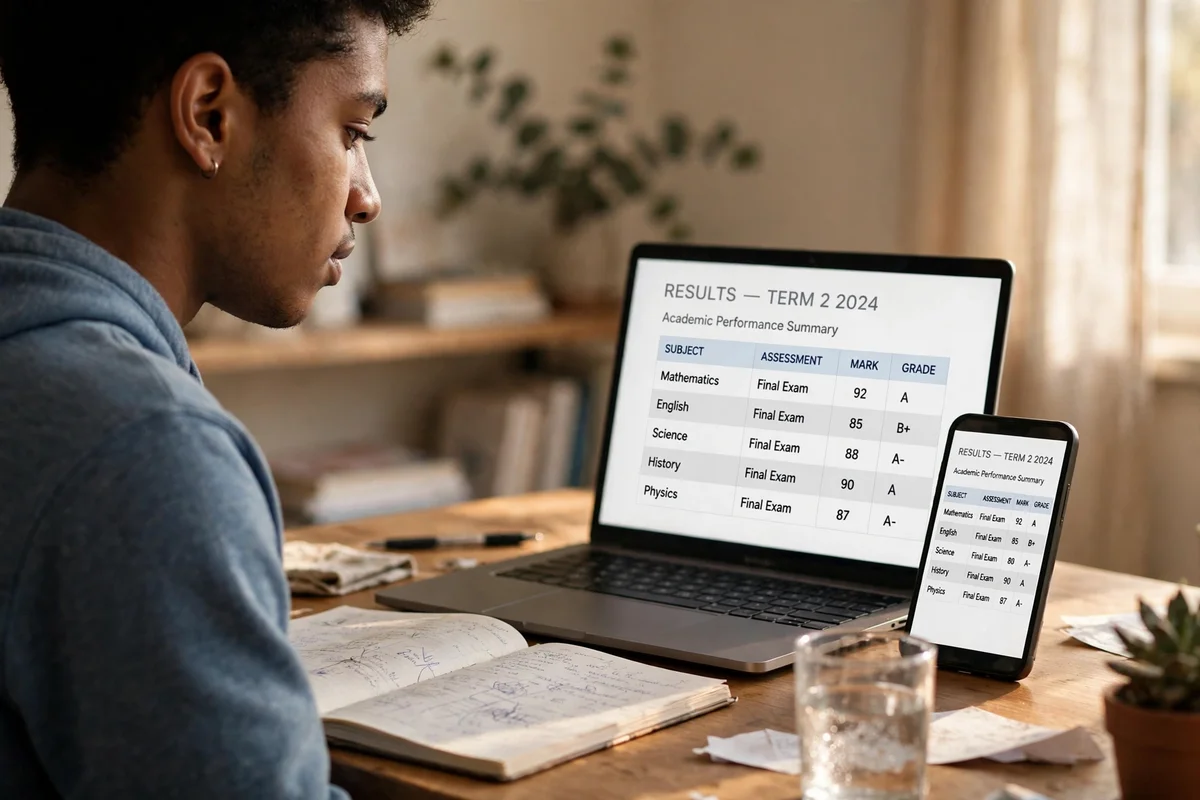
Checking online by roll number
- Confirm your board. Your roll number belongs to one board only. A Lahore roll number will not return a result on Multan’s portal, and vice versa. If you are unsure, the board’s name is on your roll number slip and your admission form.
- Open your board’s official result portal. From the board’s homepage, follow its result link for your exam — for example, BISE Lahore’s homepage currently lists result-card downloads and result portals for its SSC and HSSC annual examinations. Select the exact exam: SSC Part I or II, HSSC Part I or II, the year, and annual or supplementary, as applicable.
- Enter the roll number exactly as printed. No spaces, no extra digits, no dashes unless the form asks for them. A single mistyped digit returns “record not found”, which is a typing error far more often than a missing result.
- Check the details before celebrating or panicking. Match the name, father’s name, roll number and subjects on screen to your own record. If anything looks wrong, note it down — that is the start of a correction or rechecking case, not something to argue about in a comment thread.
- Save a copy. Screenshot or print the online result for your own reference, but understand what it is (see below).
If the portal is slow, that is normal on result day: thousands of students are hitting it at once. Wait a few minutes and retry rather than handing your roll number and personal details to an unofficial site. No official board charges a fee to show you your own result, and no official result requires a password, a verification code or a payment to “unlock” it.
Checking in the gazette
The gazette is the board’s consolidated publication of an examination’s results — every candidate’s record in one document, usually as a downloadable PDF from the board’s website. It is most useful when the individual result portal is overloaded, or when a school or college needs to verify a whole class at once. Search within the PDF for your roll number, and compare the entry with your online result: the two should agree. Where a board offers both, the gazette is a good cross-check, but it is not a substitute for your own result card when you need a document for admission.
Gazettes are large files and are published per examination, so make sure you have the gazette for your own exam and session. A gazette from a previous year, or for the wrong part, will not contain your record however carefully you search it.
What the online result is — and is not
This is the distinction students most often get wrong. The result you see online is provisional. It tells you your marks and your pass or fail status, and it is what you use to plan your next step, but it is not the formal document. The printed result card is the admission document — the paper your college or university will ask for when you enrol, and the document that sits alongside your certificate in your file.
BISE Lahore, for example, currently provides separate downloads for regular and private result cards for its SSC and HSSC annual examinations; regular students may need to collect theirs through their institution’s login, so if the download page asks for details you do not have, ask your school or college rather than assuming the card is lost. Keep the printed card safe once you have it: replacing it later means a duplicate application, which is covered in our guide to getting a duplicate result card or certificate from your board.
A note on SMS result services
You may see SMS codes quoted all over the internet for checking results by text message. This guide deliberately publishes no SMS table. The reason is simple: the codes quoted for the same board disagree across 2026 guides — Lahore alone has been reported as 800291, 80029 and 80092 — and BISE Lahore’s own homepage prints no SMS code. An SMS code that was right for one examination may not be right for the next, and a wrong code costs you a message and gives you nothing. If you want to check by SMS, use only a code printed in your own board’s official result announcement for that specific examination, and treat any code from a blog as unverified.
If your result does not appear
- Re-check the exam selection. Annual versus supplementary, Part I versus Part II, and the year are the usual culprits.
- Re-enter the roll number. Read it digit by digit from your slip, not from memory.
- Check whether the result has actually been announced. A portal that shows nothing before the announced date and time is not broken; it is waiting.
- Read any special status literally. A withheld, pending or otherwise flagged status comes with the board’s own instructions. Follow those, and contact your institution or the board, rather than treating the status as a final marks total.
- Talk to your school or college. Regular candidates’ records often sit behind an institutional login, and your institution can see more than the public portal shows you.
Frequently asked questions
Can I check my result by name?
Some boards offer a name search and most do not; the roll number is the reliable key everywhere. If your board’s portal offers a name option, use it as a backup, not as your only method.
Is the online result enough for admission?
No. The online result is provisional. Colleges and universities ask for the printed result card (and later the certificate), so secure that document as soon as your board or institution makes it available.
Why does an unofficial site show a different result?
Because it is not the board. Unofficial sites copy, mislabel or invent data, and some exist to harvest personal details or charge fees. Only your board’s portal is authoritative.
What if my marks look wrong?
First, cross-check the gazette entry. If the marks still look wrong, the remedy is rechecking, not a complaint on social media — see our guide to applying for board paper rechecking, and apply within the window your own board announces.
Result day rewards one habit above all: going to the source. Your board’s portal, your roll number, your printed card — in that order — will get you further than any shortcut site. We have no connection to any board, and this guide is simply a map to their official routes, written so you do not waste result day on the wrong ones.